 Talking Avatar
Comparison guide
Rhubarb Lip Sync in 2026: After Effects, Real Time and the Browser
By Mukul Munjal, Co-founder, Talking Avatar · LinkedIn
· Prices checked 30 October 2026
Talking Avatar publishes this comparison. Facts about Rhubarb Lip Sync come from its own website, docs and pricing page, and we say where it's the better fit.
Quick answer
Rhubarb Lip Sync is a free, MIT-licensed command-line tool that analyzes a finished recording and writes a timeline of 2D mouth shapes (A to F, plus optional G, H and X) for After Effects, Moho, OpenToonz and Spine. The latest release is v1.14.0, from 3 April 2025. It can't follow live audio; Talking Avatar Open Source lip syncs a 3D avatar in the browser as audio plays.
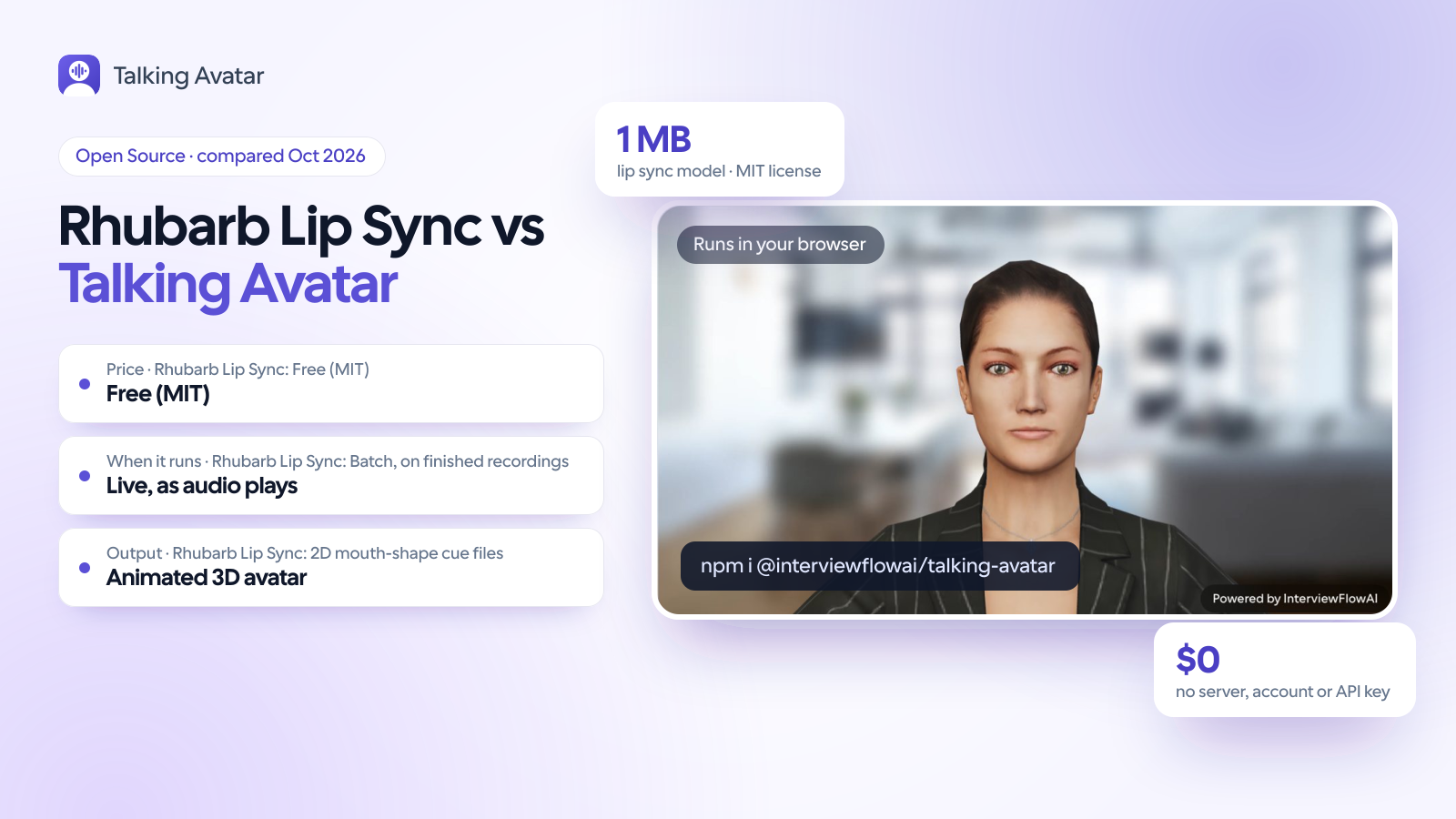
60-second comparison
The decision at a glance
Use Rhubarb Lip Sync when the dialogue is recorded and the character is drawn: it gives you an editable cue file and plugs into After Effects, Spine and Moho, and through community add-ons into Blender and Godot. Use Talking Avatar Open Source when the audio is live and the character is 3D: it listens to a voice agent's stream or a TTS clip in the browser and moves a .glb avatar's mouth as the audio plays. A studio with both cutscenes and a live character could use both.
Choose Talking Avatar Open Source if…
- Your audio is live: a voice agent over WebRTC, a TTS stream or a microphone, where the next sentence doesn't exist yet.
- Your character is a 3D .glb with the 15 Oculus viseme morph targets, or morphs you can map to them.
- Lip sync has to run in the user's browser, with no binary on a server and no audio leaving the page.
- You don't have the dialogue text, or don't want to pass it.
- You want a published accuracy figure: 82% of frames and 99% of p/b/m closures on 39 held-out speakers.
Choose Rhubarb Lip Sync if…
- You animate 2D characters with drawn mouths in After Effects, Moho, OpenToonz, Spine or Vegas Pro.
- The dialogue is recorded ahead of time: cutscenes, explainer videos, adventure-game lines.
- You want a cue file you can edit frame by frame: TSV, XML, JSON or .dat.
- You work in Blender or Godot and are happy with a community add-on.
- You want a tool first released in 2016 and refined over 22 releases.
Feature comparison
| Feature | Talking Avatar Open Source | Rhubarb Lip Sync |
|---|---|---|
| What it does | Animates a 3D avatar's mouth, blinks and brows while audio plays | Writes a timeline of 2D mouth shapes from a finished recording |
| When it runs | Live: streams play 150 ms late by default; clips are analyzed first, in about 1% of their length | Batch, after the recording exists; no published speed figures |
| Where it runs | The user's browser (WebGL 2, AudioWorklet), on the CPU | Command line on Windows, macOS and Linux, on the CPU |
| Download size | About 10 KB of gzipped JavaScript plus a 1.04 MB model (three.js separate) | About 87 MB zip per platform (v1.14.0) |
| How it hears speech | A ~260k-parameter neural network on 10 ms audio frames | PocketSphinx speech recognition (English) or a phonetic recognizer (other languages) |
| Dialogue text | Never needed | Optional --dialogFile; the README says it's always a good idea |
| Mouth shapes | 15 Oculus visemes on a 3D .glb, blended with coarticulation | 6 basic 2D shapes (A to F) plus optional G, H and X |
| Audio input | Any MediaStream (WebRTC, microphone) or any clip the browser decodes | WAV and Ogg Vorbis files |
| Output | A rendered, animated 3D avatar in the page | TSV, XML, JSON or .dat cue files for your animation tool |
| Integrations | OpenAI Realtime, LiveKit, Daily and Pipecat, any TTS; React component | After Effects, Moho, OpenToonz, Spine, Vegas Pro; community add-ons for Blender and Godot |
| Languages | Trained on English; other languages keep timing, with the nearest English shape | English with PocketSphinx; basic support for others with the phonetic recognizer |
| Published accuracy | Right shape on 82% of 10 ms frames, lips closed on 99% of p/b/m (39 held-out speakers) | Not published |
| License | MIT (SDK and model) | MIT; the lip sync data you generate belongs to you |
| Maturity | First released 2 October 2026; v0.2.0 on 26 October 2026 | First released February 2016; 22 releases, latest v1.14.0 on 3 April 2025; 2,706 GitHub stars |
What you download to add lip sync
Measured 30 October 2026: Rhubarb v1.14.0 Windows zip, uLipSync v3.1.4 Unity package with samples, and for the browser libraries gzipped JavaScript plus any model file, excluding three.js. Size reflects the job each tool does, not its quality.
- uLipSync143 MB
- Rhubarb Lip Sync87 MB
- Talking Avatar Open Source1.05 MB
- TalkingHead53 KB
- HeadAudio17.5 KB
- wawa-lipsync2.6 KB
Log scale: each step to the right is a multiple of the value, not a fixed amount.
How does Rhubarb Lip Sync work in After Effects?
Rhubarb ships an After Effects script, Rhubarb Lip Sync.jsx, in its extras folder. Setup takes four steps: unzip Rhubarb, add its folder to your PATH so After Effects can find the rhubarb executable, install the script with File > Scripts > Install Script File, and restart After Effects. Then build a composition that holds your drawn mouths, one per frame: shape A at 00:00, B at 00:01 and so on, with the optional G, H and X at 00:06, 00:07 and 00:08. Run File > Scripts > Rhubarb Lip Sync.jsx, pick the audio file and options, and the script generates a composition with the mouth animation. On macOS, version 1.14.0 (April 2025) fixed the script and swapped the old /usr/local/bin symlink for the PATH entry. For After Effects work, Rhubarb is the tool to use.
Rhubarb in Spine, Blender, Godot and Unity
Spine has an official integration: Rhubarb for Spine, a Java app that works with Spine 3.7 or later. You give the skeleton a mouth slot with one image attachment per shape, add audio events, export JSON with nonessential data, and the tool writes new lip sync animations into that JSON for you to import again. Blender and Godot rely on community add-ons. Rhubarb Lipsync NG (MIT, v1.8.1 in April 2026) installs as a Blender extension, works in Blender 3.3 and later, and maps Rhubarb's cues to pose-library actions or shape keys. The Godot add-on (MIT) imports a Rhubarb TSV file into an Animation resource, but its last commit was in September 2020. Unity has no official plugin: teams run the command line, then parse the TSV or JSON in C#. For live audio in Unity, uLipSync (MIT) analyzes speech at runtime or pre-bakes it into AnimationClips.
Can Rhubarb Lip Sync run in real time?
Not as shipped. Rhubarb reads a complete recording, runs speech recognition over it, then writes the cue file. Its README makes no real-time claim; it says only that Rhubarb uses multithreading, one worker per CPU core, to speed up processing. That suits a cutscene. It doesn't suit a voice agent, whose next sentence doesn't exist until the model says it. Community WebAssembly ports try to close the gap: lip-sync-engine (MIT) runs Rhubarb's PocketSphinx pipeline in the browser and processes live audio in chunks. It and rhubarb-lip-sync-wasm are small projects, with 5 and 31 GitHub stars on 30 October 2026 and no updates since autumn 2025. Talking Avatar Open Source was built for live audio: a neural network reads 10 ms frames as they arrive, and the stream plays 150 ms late by default so the mouth can move into each sound on time.
Using Rhubarb lip sync in JavaScript and on the web
The usual web pattern is a server step. Run rhubarb with -f json (adding --dialogFile if you have the script), ship the JSON next to the audio, and write a small player that swaps a sprite or a morph target at each cue's start time. It works well for fixed lines such as tutorial narration or game dialogue, because each file is processed once. The costs show up when audio is generated per user: an 87 MB native binary per platform on your server, a recognition pass before every clip can play, and your own code to keep audio and mouth in sync. Talking Avatar Open Source replaces all three with one npm package: about 10 KB of gzipped JavaScript plus a 1.04 MB model, which analyzes a TTS clip in the browser before playing it or follows a live MediaStream. It renders a 3D .glb avatar, so for a 2D sprite player Rhubarb's cue files remain the way to go.
2D mouth shapes or 3D visemes: which does your character need?
Rhubarb's six basic shapes go back to Hanna-Barbera cartoons such as Scooby-Doo and The Flintstones, its README says. A is closed for P, B and M; D is wide open for the AA in father; F is puckered for UW, OW and W. Three optional shapes add detail: G for F and V, H for a long L, X for rest. An animator draws each one once, and --datUsePrestonBlair renames them for tools that expect Preston Blair names. Talking Avatar Open Source drives a 3D model instead: the 15 Oculus viseme morph targets on a .glb, blended with JALI-style coarticulation, so tongue-only sounds borrow the lip shape of the neighboring vowel and p, b and m close the lips. Optional ARKit shapes such as jawOpen and mouthPucker round the lips further. For a drawn character, nine shapes are plenty. A 3D face shows every in-between position, so more shapes and smooth blending between them matter more there.
Accuracy, languages and dialogue text
Rhubarb's default recognizer, PocketSphinx, only recognizes English. For other languages, the phonetic recognizer added in version 1.9.0 gives what the changelog calls basic support. Passing the script with --dialogFile improves recognition, and the README calls it always a good idea. Rhubarb doesn't publish an accuracy figure. We do for ours: on 39 speakers held out from training, with clean read speech passed through the Opus codec as on a WebRTC call, the model picks the right mouth shape for 82% of 10 ms frames and closes the lips on 99% of p, b and m sounds. It's trained on English read speech (LibriTTS-R), so other languages keep good timing but borrow the nearest English mouth shape, and clean TTS voices do better than a noisy microphone. It never needs the text.
When to choose Rhubarb Lip Sync
Where Rhubarb Lip Sync is the better fit
For 2D animation from recorded dialogue, Rhubarb is the better tool, and it isn't close. It has official integrations for After Effects, Moho, OpenToonz, Spine and Vegas Pro, writes cue files an animator can fix by hand, uses the script text to improve recognition, and has shipped 22 releases since February 2016.
Good to know about Talking Avatar Open Source
- Talking Avatar Open Source's model is trained on English. Other languages keep good timing but use the nearest English mouth shape.
Switching from Rhubarb Lip Sync
Moving from Rhubarb only makes sense if your character is 3D or your audio is live. If both are true, the pipeline gets shorter: no recognition step, no cue file and no playback code.
- Get a .glb avatar with the 15 Oculus viseme morph targets, or map your rig's morph names with the morphTargets option.
- Install the SDK: npm install @interviewflowai/talking-avatar three, then create new TalkingAvatar({ container, avatarUrl }).
- Replace the Rhubarb step: pass recorded or TTS clips to speak(), which analyzes them in the browser before playing, and live audio to attachStream().
- Delete your cue player. The SDK plays the audio and moves the mouth together, so don't play the same audio anywhere else.
- Self-host viseme-model.bin (1 MB) in production instead of loading it from jsDelivr.
- Keep Rhubarb for any 2D scenes: the two tools don't conflict.
Methodology
How we evaluated this comparison
Pricing and features come from each vendor's own website, documentation or source code, checked in October 2026 and dated on this page. Where a vendor doesn't publish something, we say so rather than guess. We haven't run paid trials of every product. We built Talking Avatar, so we name what each competitor does better and who should choose it instead.

About me
Mukul Munjal
Co-founder, Talking Avatar
I'm Mukul Munjal, co-founder of Talking Avatar. I have 7 years of experience in engineering, 3 of them building voice agents, and I handle the optimisation of our voice agents. We built Talking Avatar to give our own AI interviewers a face.
Frequently asked questions
Does Rhubarb Lip Sync work in real time?
No. Rhubarb analyzes a finished WAV or Ogg recording and then writes a cue file, so the audio has to exist before the animation does. Small community WebAssembly ports add chunked processing. For a voice agent or a TTS stream, Talking Avatar Open Source lip syncs a 3D avatar in the browser with a 150 ms default delay.
How do I use Rhubarb Lip Sync in After Effects?
Add the Rhubarb folder to your PATH, install Rhubarb Lip Sync.jsx with File > Scripts > Install Script File, and restart After Effects. Make a composition with one mouth drawing per frame, A at 00:00 onward. Run the script, choose your audio file, and it generates a composition with the mouth animation.
Is there a JavaScript version of Rhubarb Lip Sync?
Not an official one. Rhubarb is a native command-line program, so web apps usually run it on a server and send its JSON output to the page. Community WebAssembly ports, lip-sync-engine and rhubarb-lip-sync-wasm, run it in the browser. For a 3D avatar in JavaScript, Talking Avatar Open Source is an npm package that lip syncs from the audio alone.
Does Rhubarb Lip Sync work with Blender, Godot or Unity?
Through community tools. Rhubarb Lipsync NG is an MIT Blender extension, last released in April 2026, that turns Rhubarb's cues into pose-library or shape-key keyframes. A Godot add-on imports Rhubarb's TSV into an Animation resource, though it hasn't changed since 2020. Unity has no plugin: teams parse the JSON or TSV themselves, or use uLipSync for runtime lip sync.
Is Rhubarb Lip Sync free for commercial use?
Yes. Rhubarb is MIT-licensed, and its license file says the lip sync data you generate by running it belongs to you alone. Talking Avatar Open Source is MIT too, for both the SDK and the lip sync model, so neither tool charges for or limits commercial use.
Which languages does Rhubarb Lip Sync support?
English works best. Its default PocketSphinx recognizer only handles English; the phonetic recognizer, added in version 1.9.0, gives basic support for other languages by recognizing sounds rather than words. Talking Avatar Open Source is trained on English too: on other languages its timing holds up, but sounds English lacks get the nearest English mouth shape.
What is the best Rhubarb Lip Sync alternative for real-time lip sync?
For a 3D avatar driven by live audio in the browser, Talking Avatar Open Source: a 1 MB model under MIT, with published accuracy. TalkingHead suits full-body avatars whose TTS provides word timings, HeadAudio and wawa-lipsync are smaller viseme detectors that leave the animation to you, and uLipSync is the Unity choice. For drawn mouths and recorded lines, Rhubarb is still the pick.
Try live 3D lip sync in your browser
Open the 3D demo, play a sample voice, upload a clip or talk into your microphone, and the avatar's mouth follows as it plays. MIT licensed, about 10 KB of gzipped code and a 1 MB model, with no account or API key.